Software for Connected Health & Wellness Devices
TCT Device Consultancy LLC develops companion apps, staff portals, and reporting tools for health and wellness equipment. We help device brands and program operators connect supported equipment, organize measurement records, and manage day-to-day user support.
From Device Readings to Daily Operations
A connected device needs software that works for both users and staff. We develop the steps around setup, data uploads, record reviews, and follow-up. Each project starts with your equipment, available connection methods, and the tasks your team needs to complete.
Device Companion Applications
Build branded apps for device setup, supported connections, upload status, and measurement history. Features are defined around the equipment’s documented capabilities.
Program Management Workspaces
Give staff a web portal for member profiles, device assignments, appointments, and follow-up notes. Set permissions so each team member can access the records needed for their work.
Operational Reporting Systems
Turn device and program records into searchable tables and exports. Reports can cover measurement participation, device activity, enrollment, and other agreed operating metrics.
A Defined Scope. A Tested Release.
Project Planning
We review your equipment, available documentation, and current workflow. Together, we define the screens, data fields, user roles, and features to be delivered. Device access and integration requirements are checked before the development scope is agreed.

Development & Testing
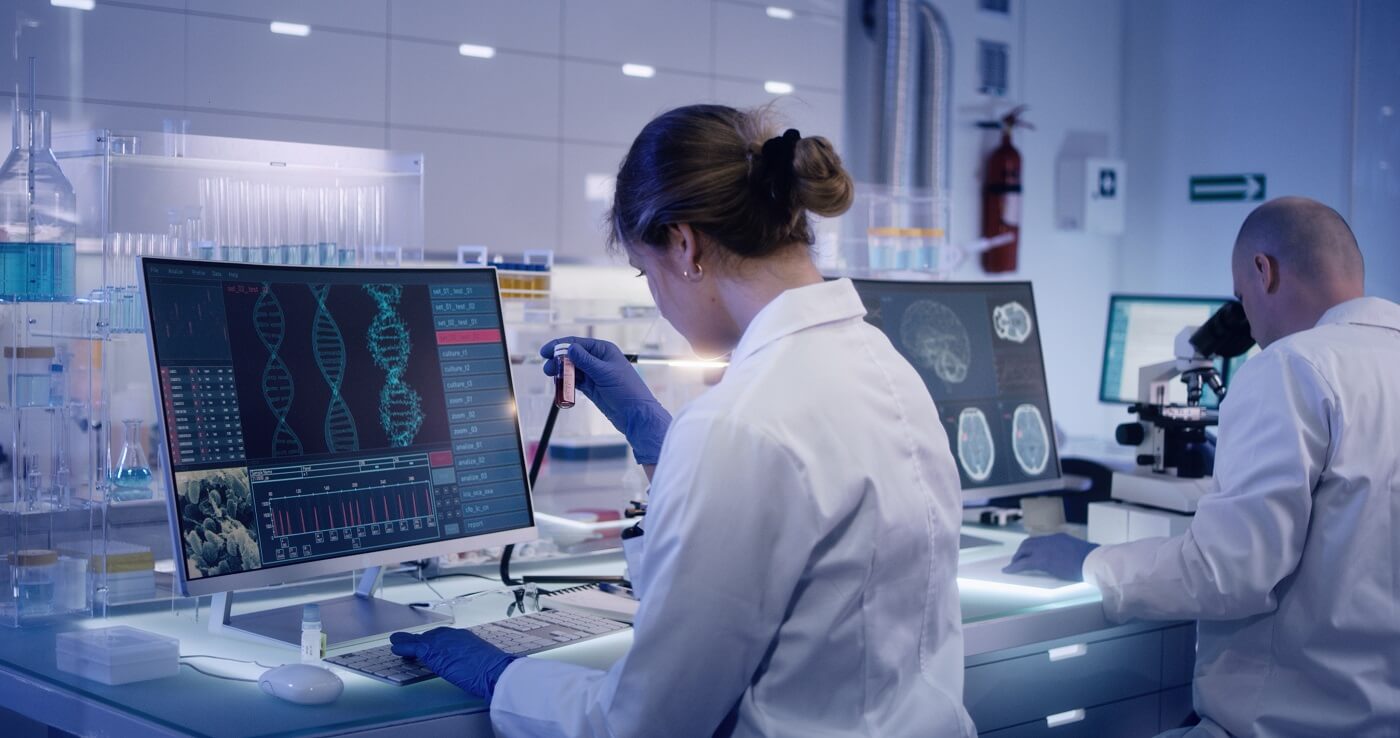
We build the agreed features in stages for your team to review. Testing covers supported connections, record handling, permissions, and routine user tasks. Release arrangements, handover materials, and any ongoing support are set out in the project agreement.
Device Connection & Data Sync
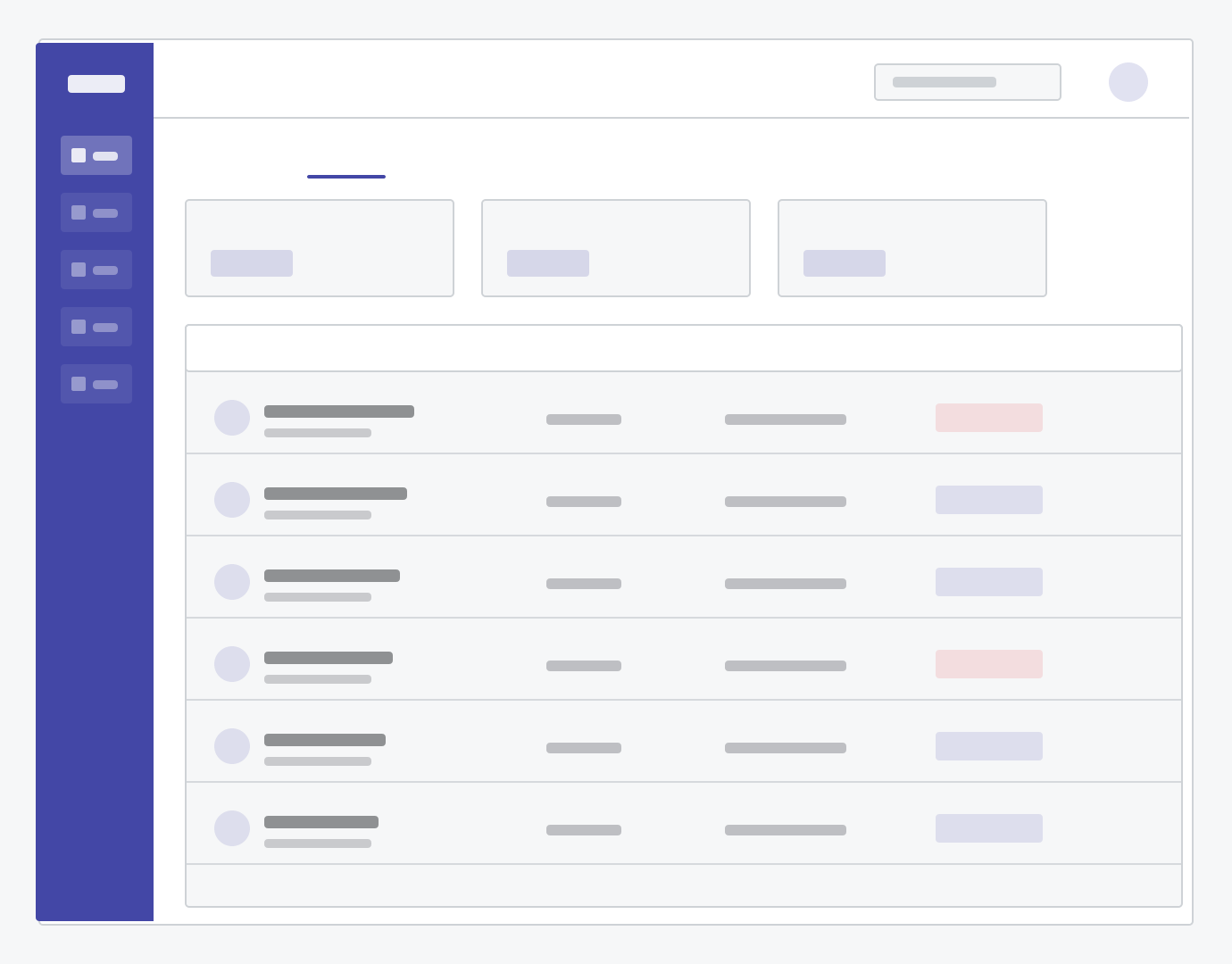
Connect supported equipment through manufacturer APIs, SDKs, Bluetooth, or file imports. Check units, timestamps, and account identifiers before adding readings to user records.
Apps & Measurement History
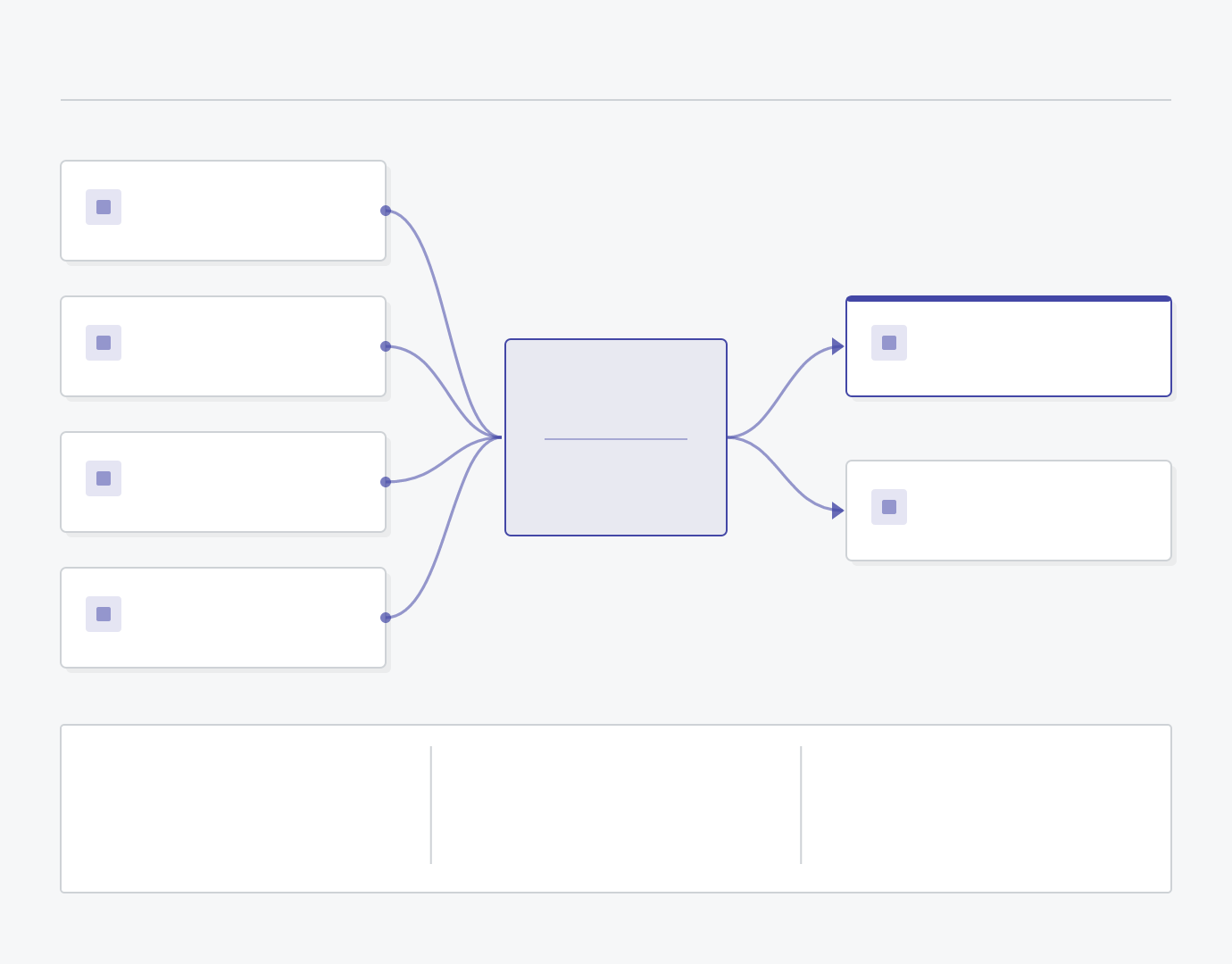
Let users set up supported devices, check upload status, and review previous readings. Include account settings and reminders where they are part of the agreed scope.
Staff Portals & User Records
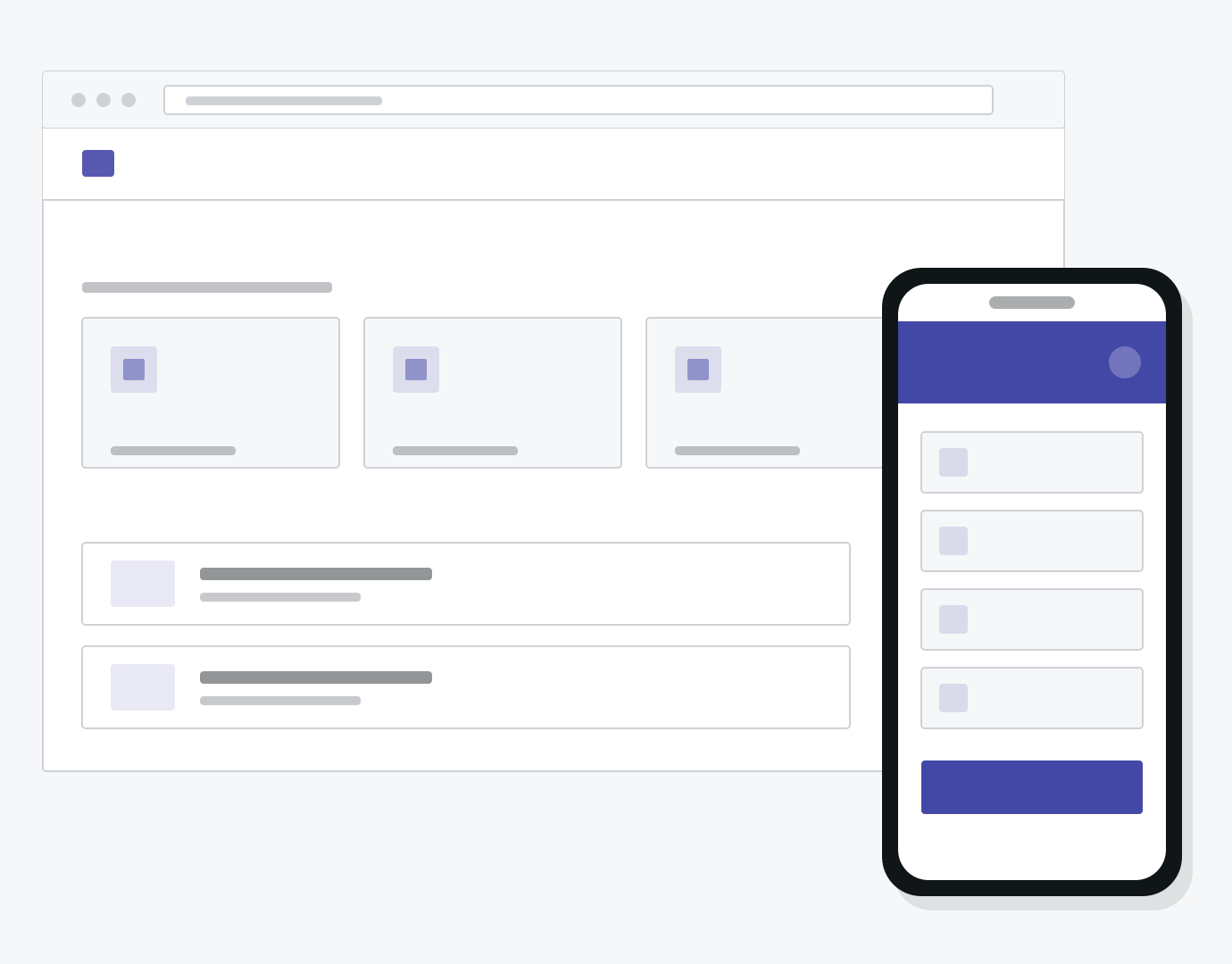
Let staff find user records, check device uploads, and review measurement history. Include follow-up notes, account management, and access permissions where they are part of the agreed scope.
Existing Application Maintenance
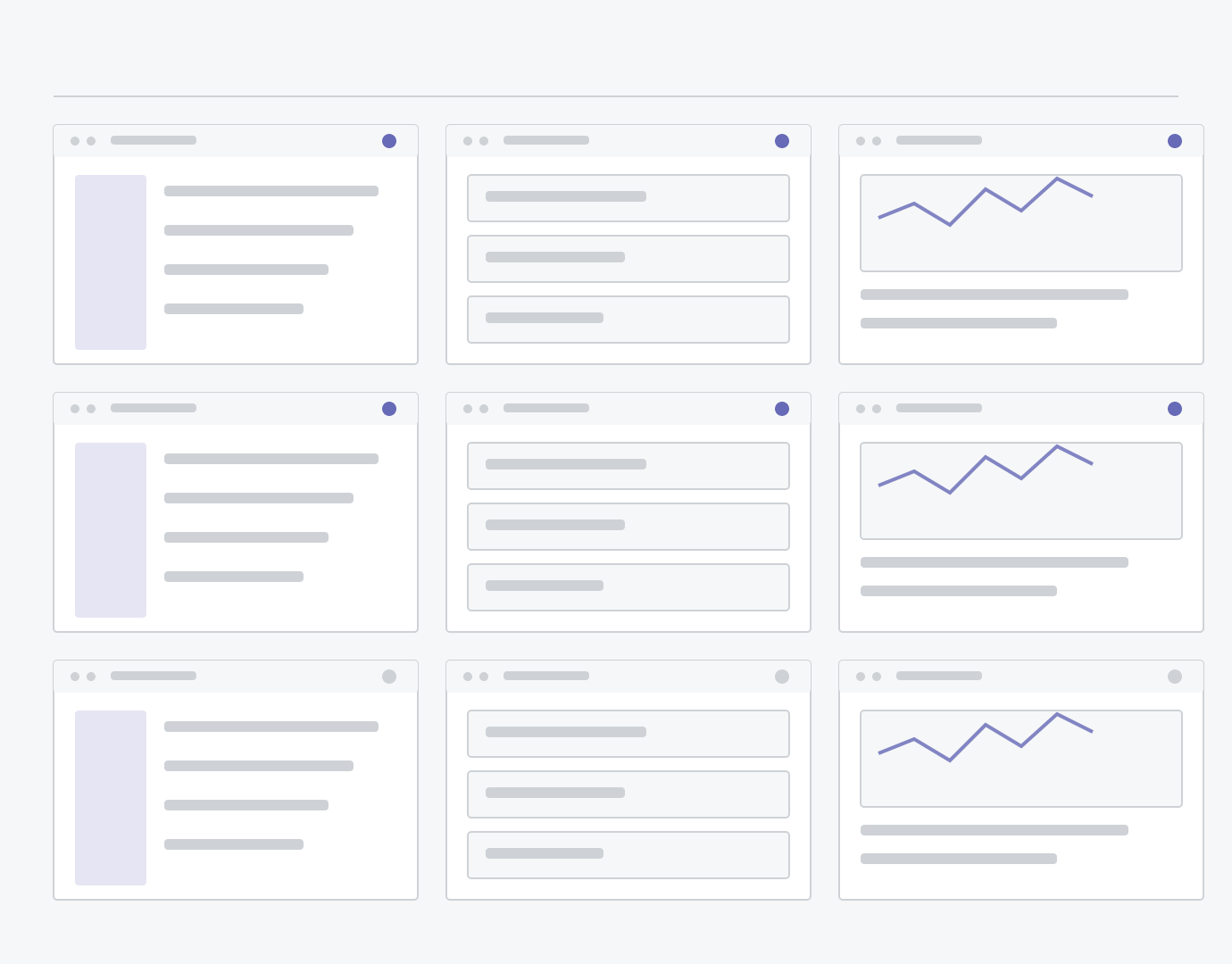
Review the codebase and reported issues before proposing updates. Maintenance can cover application errors, failed uploads, dependency updates, and changes to supported device interfaces.
Measurement Records & Reports
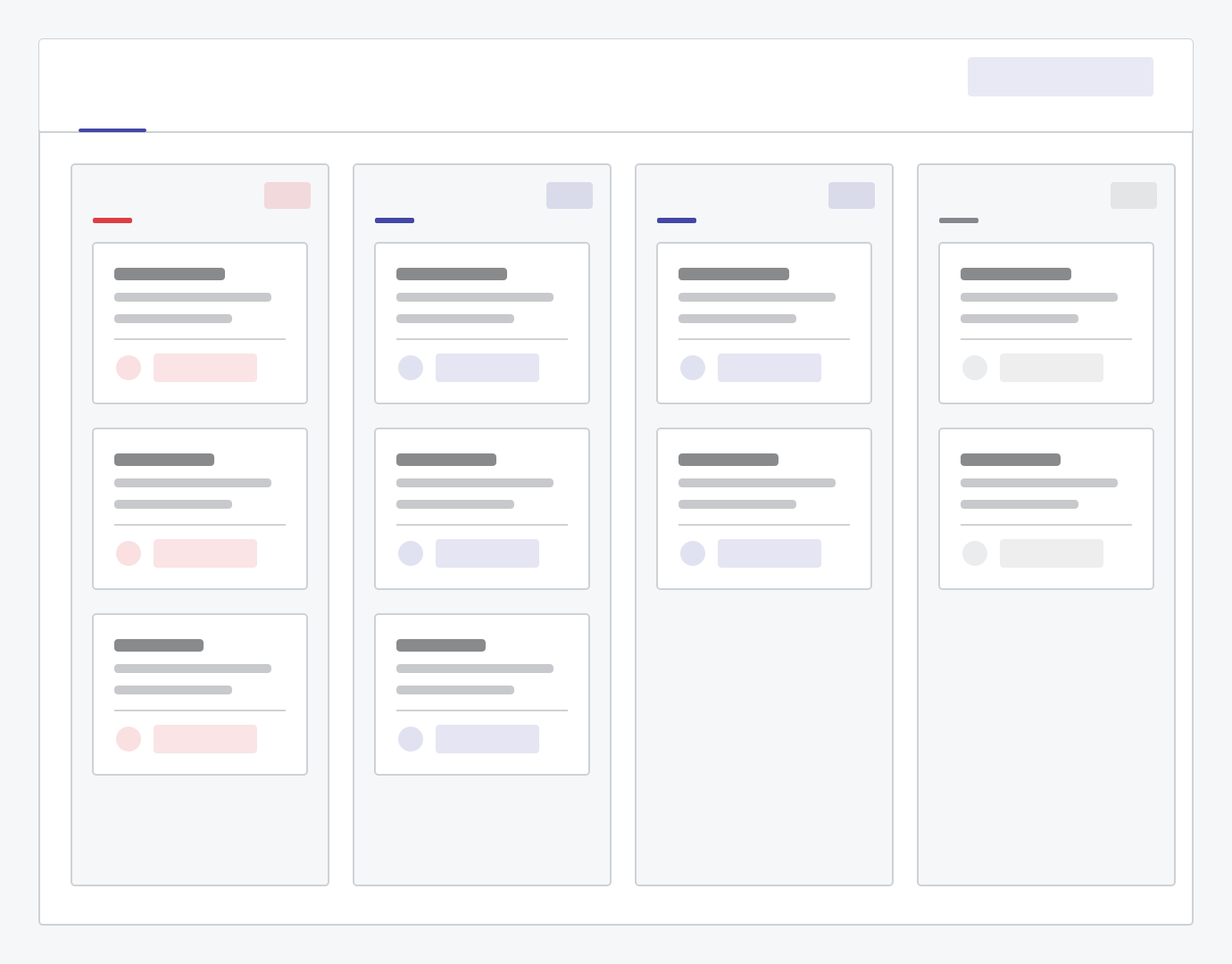
Organize device readings by user, date, equipment, and location. Add filters, history views, and export options so staff can retrieve records and prepare routine summaries.
Dashboards & Trend Views
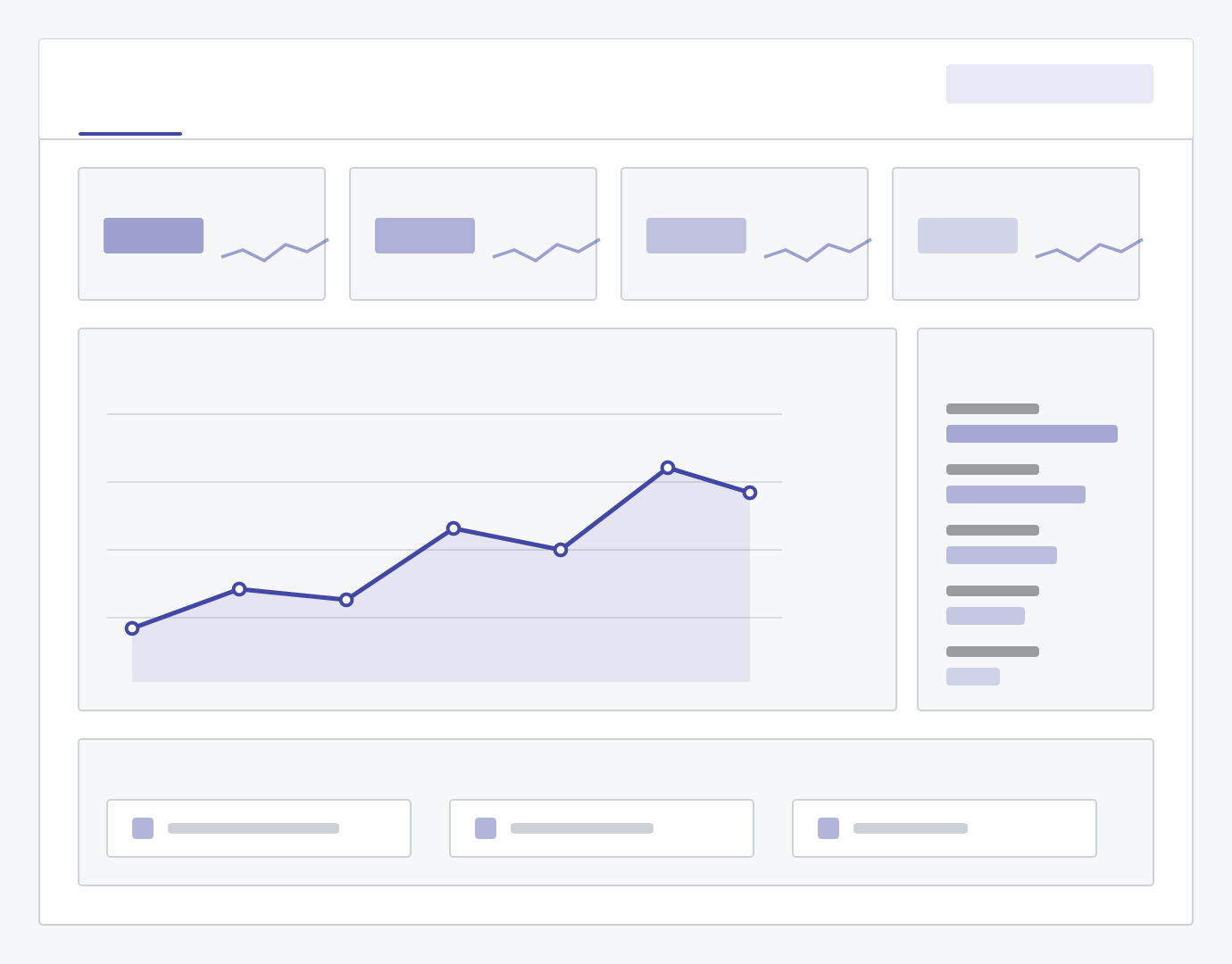
Display measurement history and equipment activity through clear charts and tables. Help teams review usage, compare reporting periods, and find incomplete or unusual records.
Focused on Three Health Service Settings
Our focus is the software used around consumer health equipment, structured weight management, and recurring wellness assessments. Each setting has different users, service routines, and operational requirements.
Provide customers with an app for supported device setup, uploads, and reading history. Give support staff access to relevant device and account information when resolving customer questions.
Organize member enrollment, measurement history, appointments, and follow-up notes. Help staff prepare for scheduled check-ins with the relevant records in one place.
Organize assessment records by member, visit, and location. Help staff review previous visits, record handover notes, and compare service activity across locations and track repeat assessments.
Consistent Records Across Devices and Users
Measurement records need clear units, timestamps, and user associations. We define these fields during planning and agree how to handle delayed uploads, duplicate submissions, and incomplete entries. For shared equipment, the workflow includes a way to confirm which user each reading belongs to.







Device Connections, Apps & Reporting
Examples of the software components that may be included in a project, depending on the equipment and agreed scope.
Frequently Asked Questions
Tell Us About Your Equipment and Workflow
Share the equipment you use, who needs access, and the tasks you want the software to support. Device documentation and sample data formats will help us assess the requirements.